
Blog · Guide
Stop Sending Crews Outside Your Service Area
Every local service business has a line on a map they should not cross. When a caller lives forty five minutes outside your zone, saying yes costs you fuel, time, and a technician who could have been on a closer job. An AI receptionist can catch that before it ever reaches your calendar.
By Samana Rob · Published August 4, 2026 · Contains affiliate links
Why service area mistakes keep happening
Most service businesses do not lose money because they lack leads. They lose money because someone books a job two counties over without checking first. It happens on busy days, at the end of a shift, or when a new hire answers the phone without thinking about drive time. U.S. Census geography and zip code resources is worth reading alongside this guide.
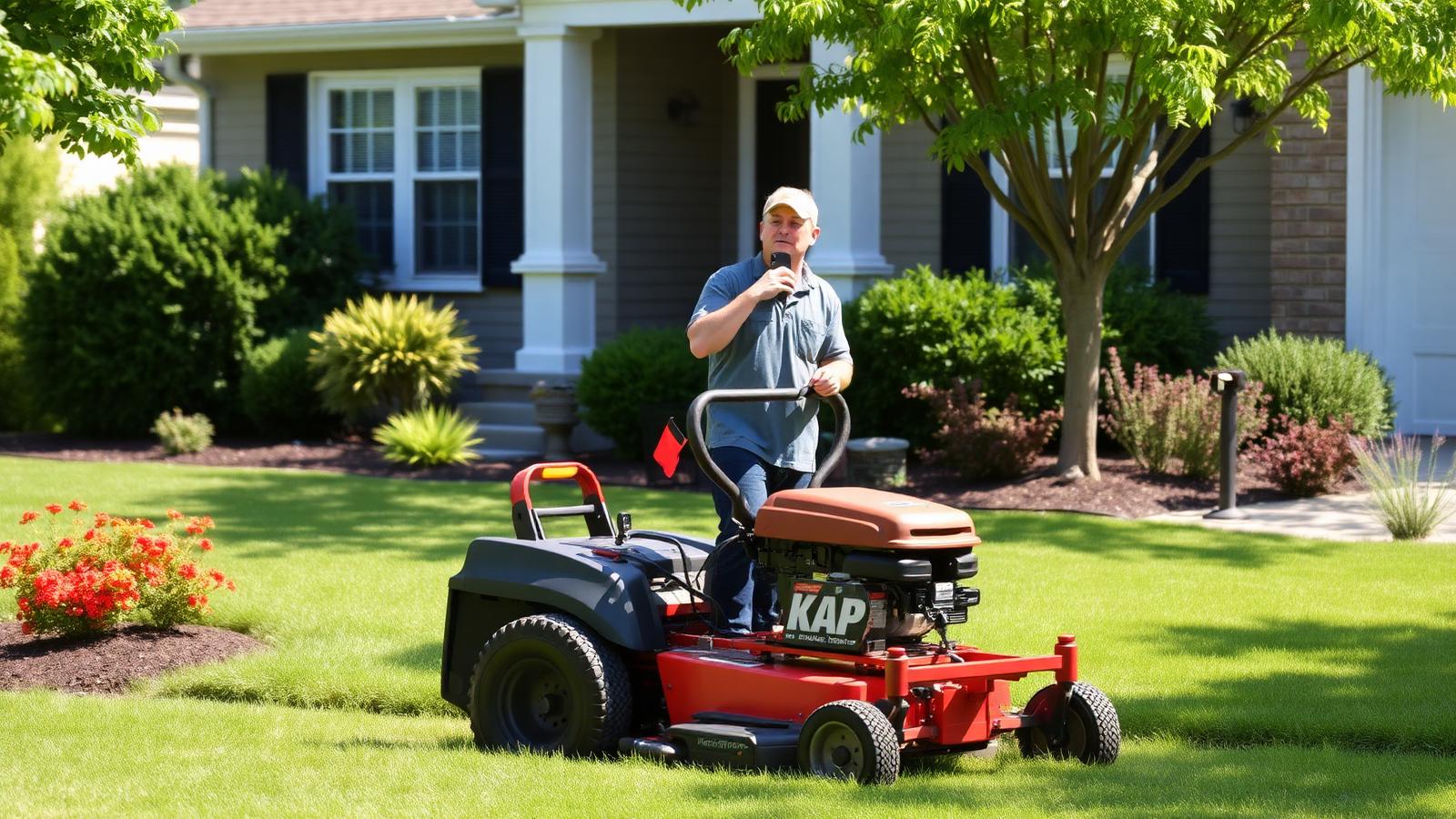
A missed detail like this looks small on paper. In practice it means a truck burns an hour each way, a technician misses two other calls that day, and the customer waits longer for someone who could have arrived sooner. Multiply that by a few calls a month and it adds up fast.
The fix is not more training. People get busy and forget rules under pressure. What actually works is removing the judgment call entirely so the very first question on every call is whether the address falls inside your zone, no matter who or what answers the phone.
How the qualification step actually works
When a call comes in, the AI receptionist asks for the caller's zip code or address early in the conversation, right after getting their name. This feels like a normal part of booking, not an interrogation, so callers barely notice it happening.
Behind the scenes, that answer gets checked instantly against the list of zip codes or the radius you set up ahead of time. If the address falls inside your service zone, the call moves straight into normal booking with no delay or awkward pause.
If the address falls outside, the receptionist has a prepared response ready. It can explain you do not serve that area, suggest a trusted partner if you have one, or simply let the caller know politely so they can look elsewhere without wasting their time.
- Zip code or radius list set once during onboarding
- Address check happens naturally within the greeting
- In area calls proceed straight to scheduling
- Out of area calls get a polite, complete answer
- Rules can differ by location for multi branch businesses
- Referral message can be customized for your market
The real cost of skipping this step
Think about the last time a truck drove far outside your normal zone. The fuel cost is easy to see, but the bigger loss is the closer job that got pushed to next week because the technician was stuck in traffic on the way back.
Customers notice too. Someone who books early morning and waits until afternoon because their technician got delayed on a long drive tends to leave a worse review, even if the actual work was fine. Trust erodes over small delays that were preventable.
None of this shows up as a single line item on a spreadsheet. It shows up as a slower week, a grumpier crew, and a slightly lower rating online. Fixing it at the phone call stage is far cheaper than fixing it after the fact.
Setting up your boundaries correctly
Start with your actual drive time tolerance rather than a straight line distance on a map. Thirty minutes in a rural area covers a lot more ground than thirty minutes in a dense city, so think in terms of time your crew is comfortable spending on the road.
List out the zip codes you are comfortable serving today, and separate them from the ones you would consider for a premium trip fee. Some businesses keep a middle tier that still books the job but adds a travel charge instead of turning the caller away outright.
Review the list every few months. As you hire more technicians or add a second location, your comfortable radius usually grows, and it helps to widen the rules on purpose rather than let your team quietly start accepting far away jobs one at a time.
What callers experience on the other end
A well built service area check never feels like a rejection. The receptionist stays warm and helpful the entire time, and most callers accept the answer without pushing back because it is delivered clearly and without hesitation or apology.
For callers inside your zone, the whole exchange takes just a few extra seconds. They give their zip code the same way they would give their name, and then move right into picking a time slot, so the process feels smooth rather than bureaucratic.
For callers outside your zone, a good referral or honest explanation actually builds goodwill. People remember businesses that were upfront with them, and some of those callers become customers later if you expand your coverage into their neighborhood.
Where atAnswer fits into this
atAnswer is built to run this kind of qualification automatically, around the clock, without you writing a single script by hand. You set your zones once, and every call after that respects them, whether it comes in at nine in the morning or eleven at night.
Because atAnswer answers every call live, you are not relying on a voicemail message that half your callers hang up on. The service area check happens inside a real conversation, so qualified callers get booked immediately instead of waiting for a callback the next day.
This runs for $720 a month, flat, with unlimited calls covered. There is no per minute charge that punishes you for a slow week or a busy one, so the cost stays predictable no matter how your call volume moves month to month.
Getting started without disrupting your team
You do not need to overhaul your booking process to add this. Most businesses hand over their existing zip code list, their calendar, and their pricing rules, and the receptionist is answering calls with those rules built in within a short setup window.
Your team keeps doing what they do best, working the jobs that come through. The receptionist handles the front door of the phone, filtering out the calls that would have wasted a morning and passing along the ones worth a callback or a booked slot.
If you have been quietly accepting jobs outside your comfortable radius just to keep the phone ringing with yeses, this is the easiest fix available. atAnswer applies the rule every time, so the decision gets made once and then never has to be made again.
The cost math on out of area jobs
Say a technician earns forty five dollars an hour and a far away job adds ninety extra minutes of driving round trip. That is roughly sixty seven dollars in wasted labor before any fuel or wear on the truck gets counted at all.
Now multiply that by even three misrouted jobs a month. That is over two hundred dollars in pure waste, not counting the closer job that got bumped to the next day because the truck was stuck on a long drive across town or county.
Compare that to the flat $720 a month for atAnswer covering unlimited calls. A handful of avoided long drives each month often pays for the entire service, and every call after that is simply extra savings with no added cost.
This is the argument to bring to a skeptical partner or owner. It is not about fancy technology, it is about a simple math problem that a phone call screening step solves before the truck ever leaves the lot.
A real week at a plumbing company
Marcus runs a three truck plumbing outfit in a mid sized city. Before adding call screening, his crew took a job forty two minutes outside their normal zone because the caller sounded urgent and nobody asked where they lived until the truck was already rolling.
That single job pushed two other appointments back by nearly two hours, and one of those customers called back annoyed, threatening to book with a competitor instead. Marcus realized the problem was not his crew, it was the missing question at the very start of the call.
After setting up zip code screening with atAnswer, callers outside his fifteen mile radius now hear a polite explanation and get referred to a partner shop across town. His trucks stayed inside their zone for the following four weeks straight.
Marcus says the biggest surprise was not the fuel savings, it was how much calmer his dispatcher felt without constantly renegotiating a schedule that kept sliding because of one bad address earlier in the day.
Common mistakes businesses make with area rules
The biggest mistake is drawing the boundary as a straight line distance instead of thinking about actual drive time. A caller five miles away across a bridge with heavy traffic can take longer to reach than someone twelve miles away on an open highway.
Another mistake is never updating the rule once it is set. A business that hires a fourth technician and adds a truck often forgets to widen its service zone, so the system keeps turning away jobs that the crew could now comfortably handle.
Some owners also set the rule too strict out of habit from leaner years, then wonder why call volume looks low. It helps to review the zone every quarter against your actual crew size and drive comfort instead of leaving it frozen from day one.
- Using straight line distance instead of real drive time
- Forgetting to widen the zone after hiring more staff
- Setting rules once and never revisiting them
- Not offering a premium tier for borderline addresses
- Failing to train the referral message for out of area calls
Your first week after setup
In the first few days, pull a quick report of how many calls got flagged as out of area. This tells you whether your radius is roughly right or whether you are turning away more business than expected because the boundary was drawn too tight.
Talk to your dispatcher about how the in area calls are landing on the calendar. Early feedback catches small wording issues in the greeting or booking flow before they become a habit that affects a month's worth of calls instead of just a few days.
By the end of the first week, most businesses either keep the boundary as is or adjust it slightly wider or narrower based on real call data. This small tuning step matters more than getting the radius perfect on day one. A quick weekly check for the first month is usually enough to settle on boundaries that fit how your crew actually works.
Related reading
Ready to stop losing calls?
Try the AI receptionist that answers every call for one flat fee
No per minute charges. No missed leads. atAnswer covers your phones and website chat 24/7, and you can hear it for yourself on a live demo call.
$720/mo flat rate · Cancel anytime · Setup in minutes
Frequently Asked Questions
How does an AI receptionist know my service area?
You give it a list of zip codes, cities, or a mile radius from your shop when you set it up. The receptionist checks each caller against that list during the call and routes them accordingly, so the rule is applied the same way every single time.
What happens to callers outside my area?
They still get a friendly, complete conversation. The receptionist explains you do not currently serve their location and can offer a referral, a waitlist option, or simply end the call politely, so no one feels dismissed even when you cannot help them.
Can I change the service area later?
Yes, the boundaries are not fixed in stone. As your crew grows or you add a second truck, you can widen the radius or add new zip codes in minutes, and the change applies to every call going forward with no extra setup.
Does this slow down booking for local callers?
No, the check happens naturally within the greeting and takes only a few seconds. Callers inside your zone move straight into scheduling, so the qualification step adds almost no time to a normal call while saving your team from bad bookings.
Will it work for multiple locations or franchises?
Yes, each location or branch can have its own service boundaries and its own booking calendar. A caller reaches the right rules based on the number they dial or the area they mention, so multi location businesses can run this from one system.
What if a caller lies about their address?
The receptionist can cross reference the phone number area code and ask a follow up question if something seems off, but it cannot verify identity like a background check. It is built to catch the vast majority of honest mistakes and mismatches.
Is this different from just using an answering service?
A generic answering service usually just takes a message. An AI receptionist like atAnswer actually applies your business rules live, qualifies the caller, and can book the appointment on the spot, which a human message taker rarely does consistently.
24/7 call coverage · One flat monthly rate
Stop Losing Calls You Already Paid to Get
Hear how atAnswer handles a real call, 24/7, $720 a month flat.
Affiliate link · Pricing, offers, and features can change at any time.